How to sell a graded slab
List your graded cards to buyers who trust the grade. You prove you actually hold the slab, set your price, and get paid through escrow.
- 1
Create an account
Sign up and complete seller onboarding. You'll declare whether you sell as a private seller or a trader — this shows on your listings for consumer-law transparency.
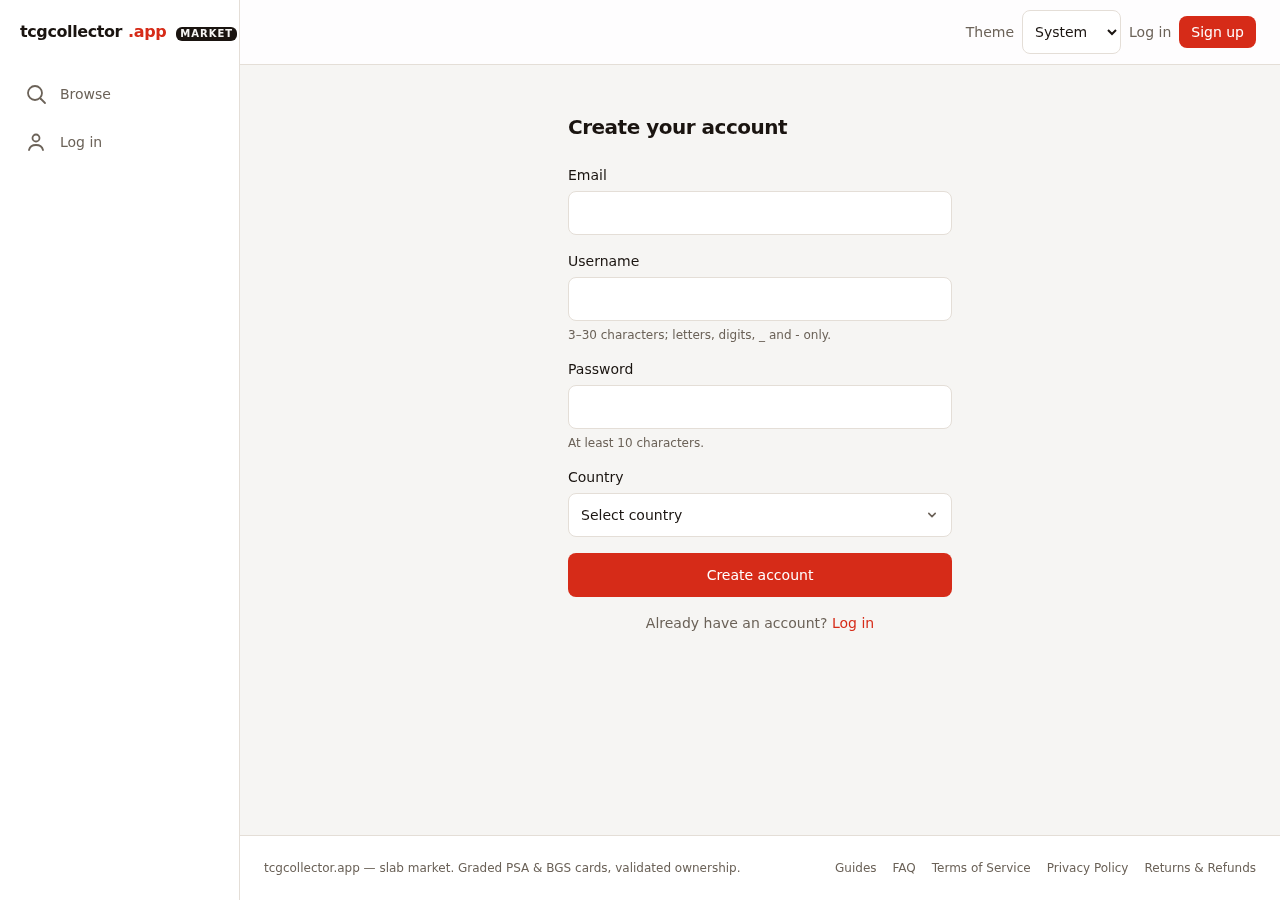
desktop · 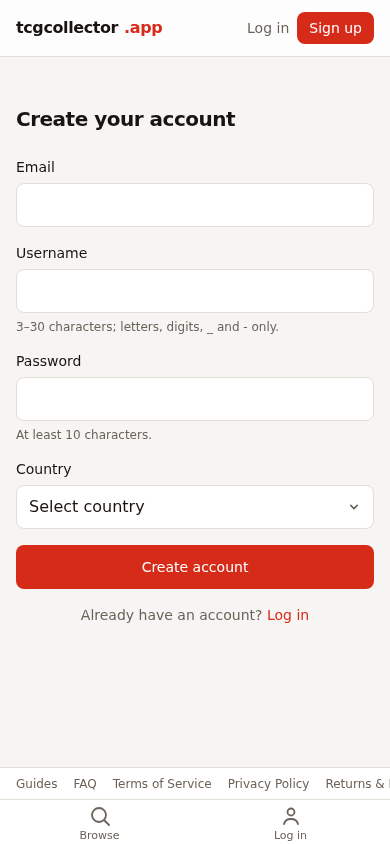
mobile · - 2
Start a listing from the cert number
Pick the grading service and enter the certificate number — we pull the grade, card and set for you. No manual data entry.
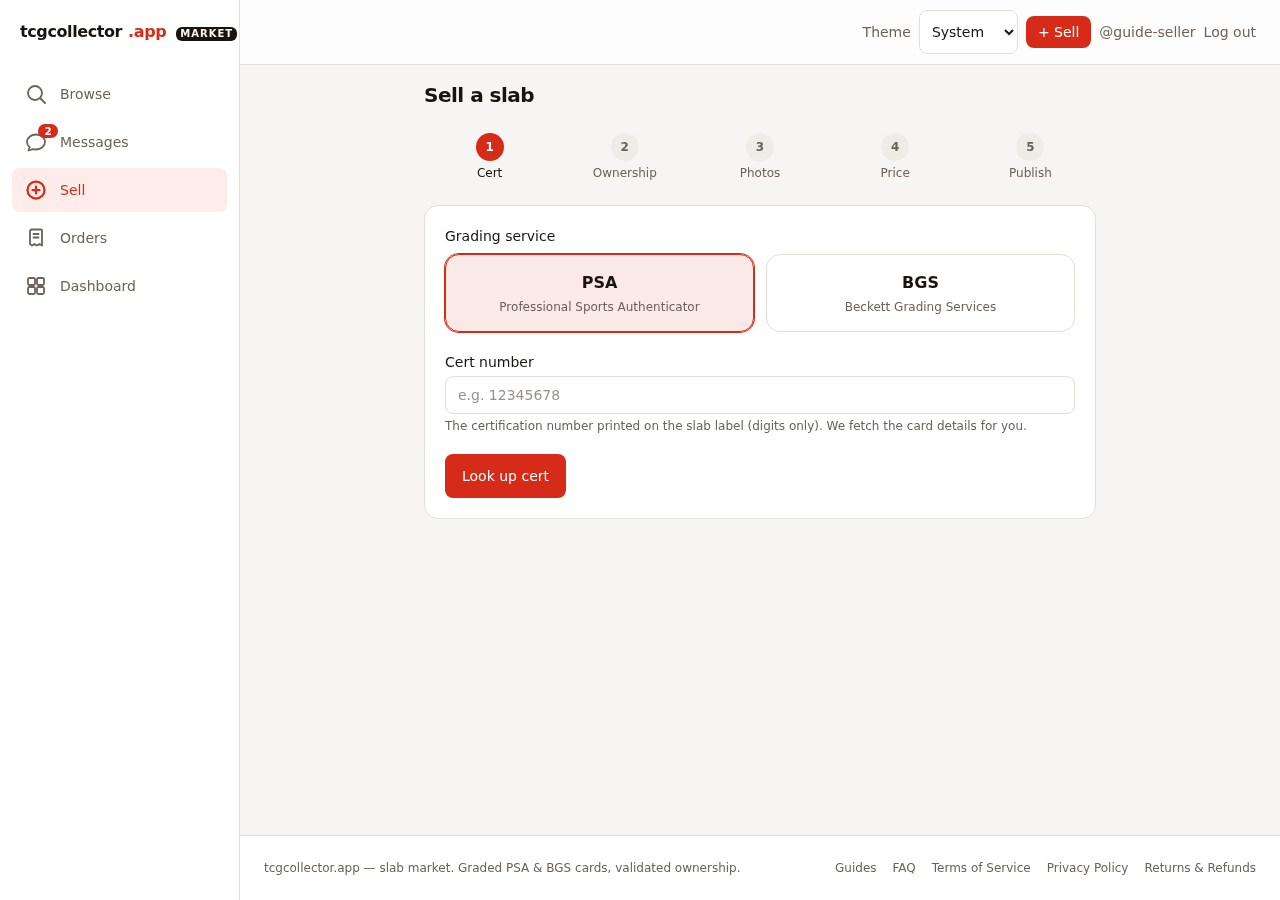
desktop · 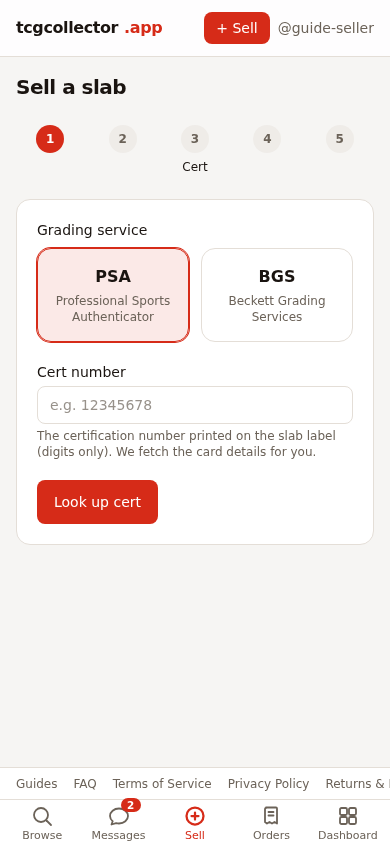
mobile · - 3
Prove ownership from your phone
Photograph the slab on the watermarked template shown on your phone. That generates your signed ownership QR, proving you hold the exact slab you're listing.
- 4
Publish and manage
Once ownership validates, your listing goes live. Track views, offers and orders from your dashboard.
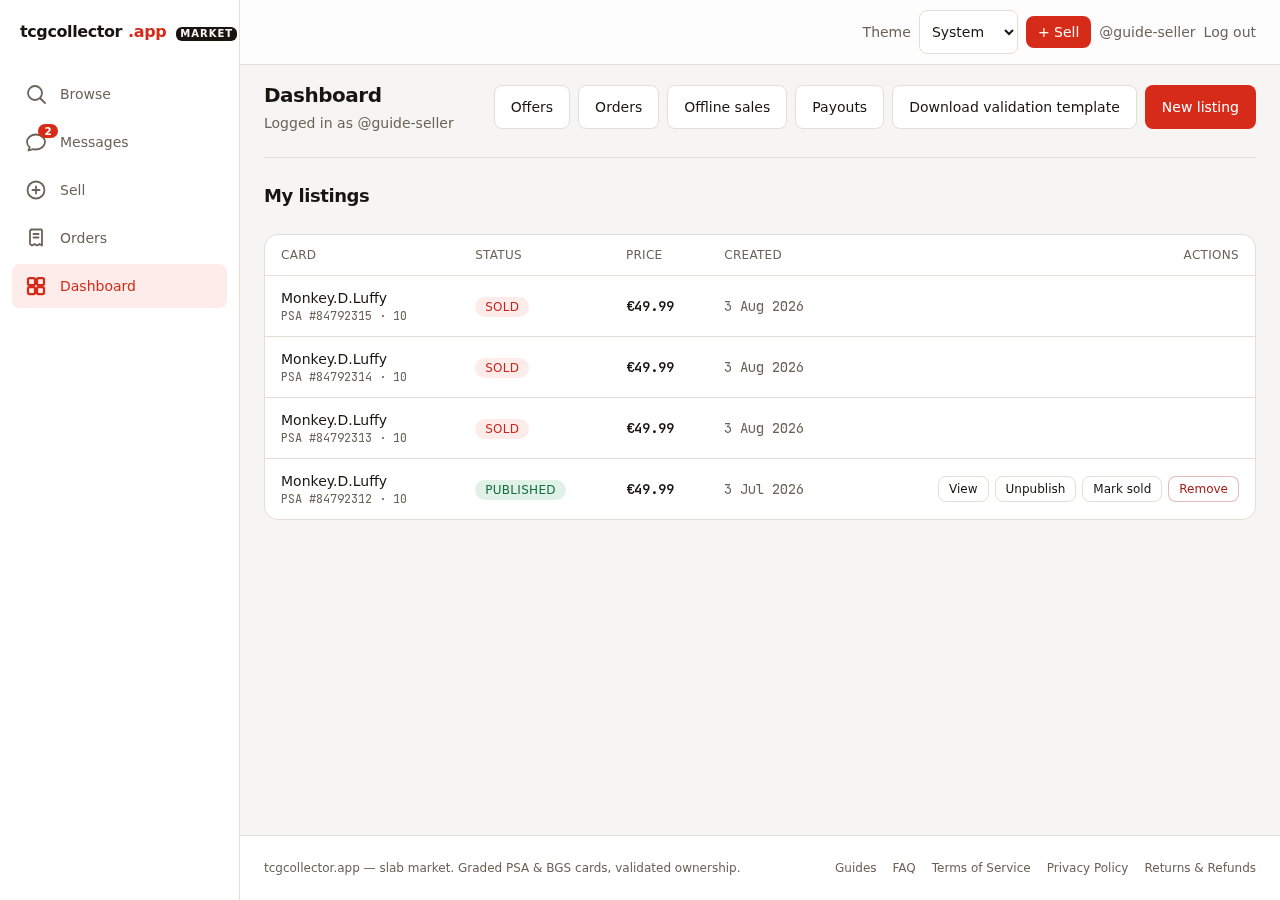
desktop · 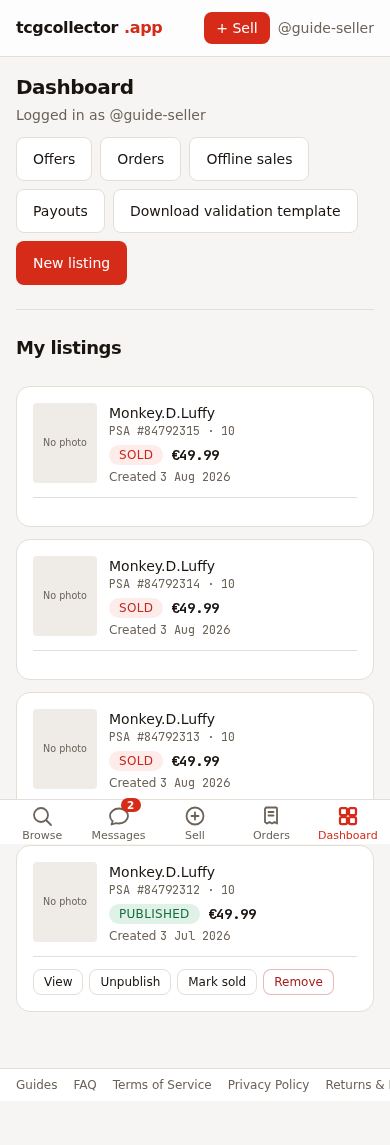
mobile · - 5
Ship and get paid
When it sells, ship with tracking and upload the shipment photos. The escrow releases the sale total minus the platform fee once the buyer confirms — or automatically after the inspection window.
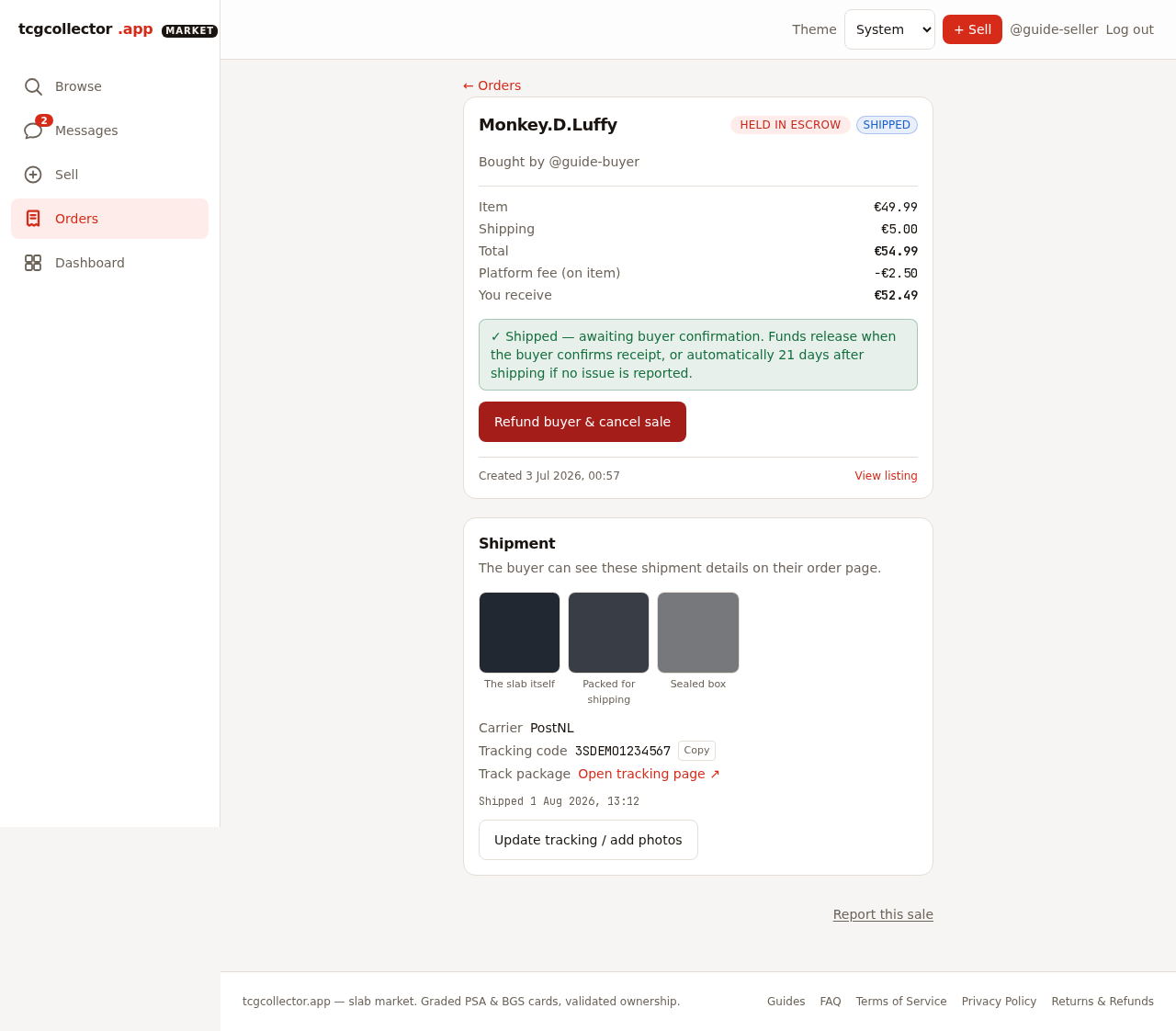
desktop · 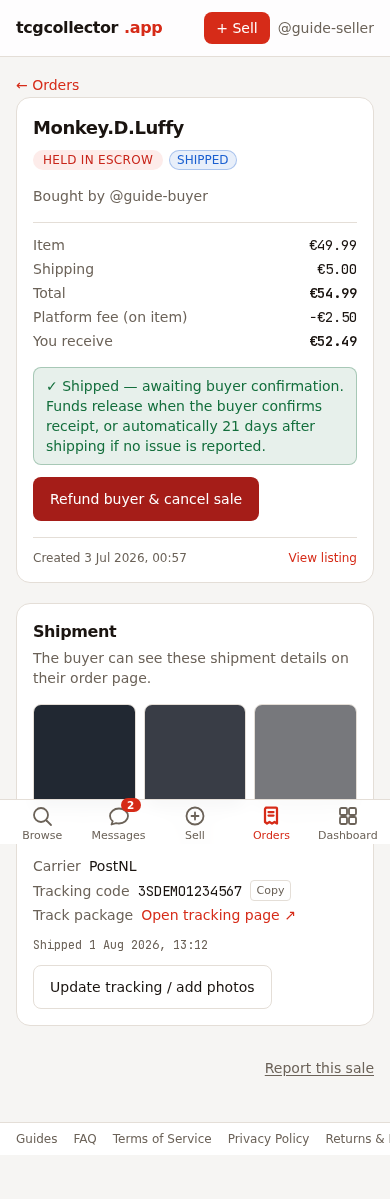
mobile ·
Questions? See the FAQ or start browsing.