How to buy a graded slab
Buying on tcgcollector.app is escrow-protected end to end — your money is only released once you have the slab and are happy with it.
- 1
Browse cert-checked listings
Every listing is matched to its PSA/BGS/CCC/GRAAD/TAG certificate. Filter by game, grade and price to find the card you want.
desktop · 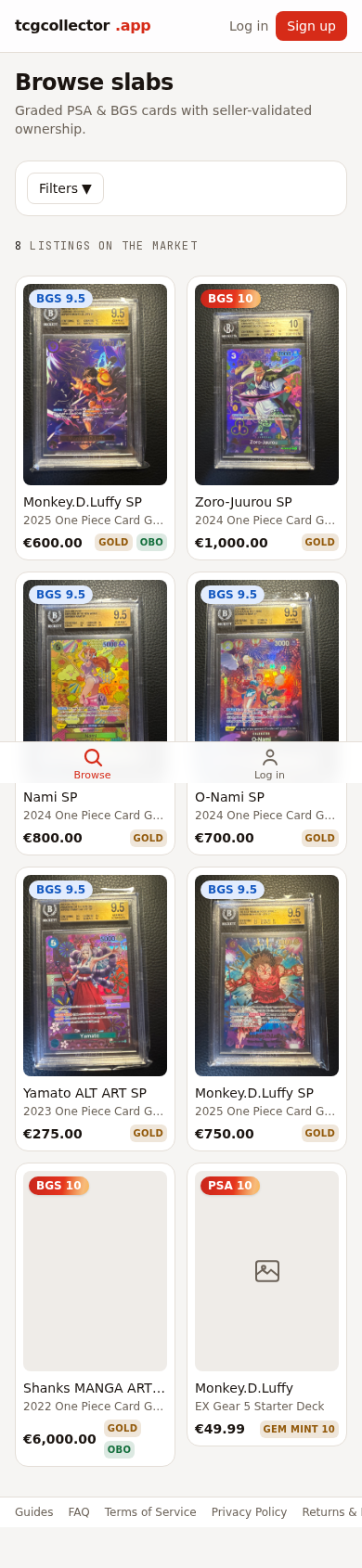
mobile · - 2
Open the listing
Check the grade, the cert details and the seller's photos. The grading service and cert number are verified against the grader's own records.
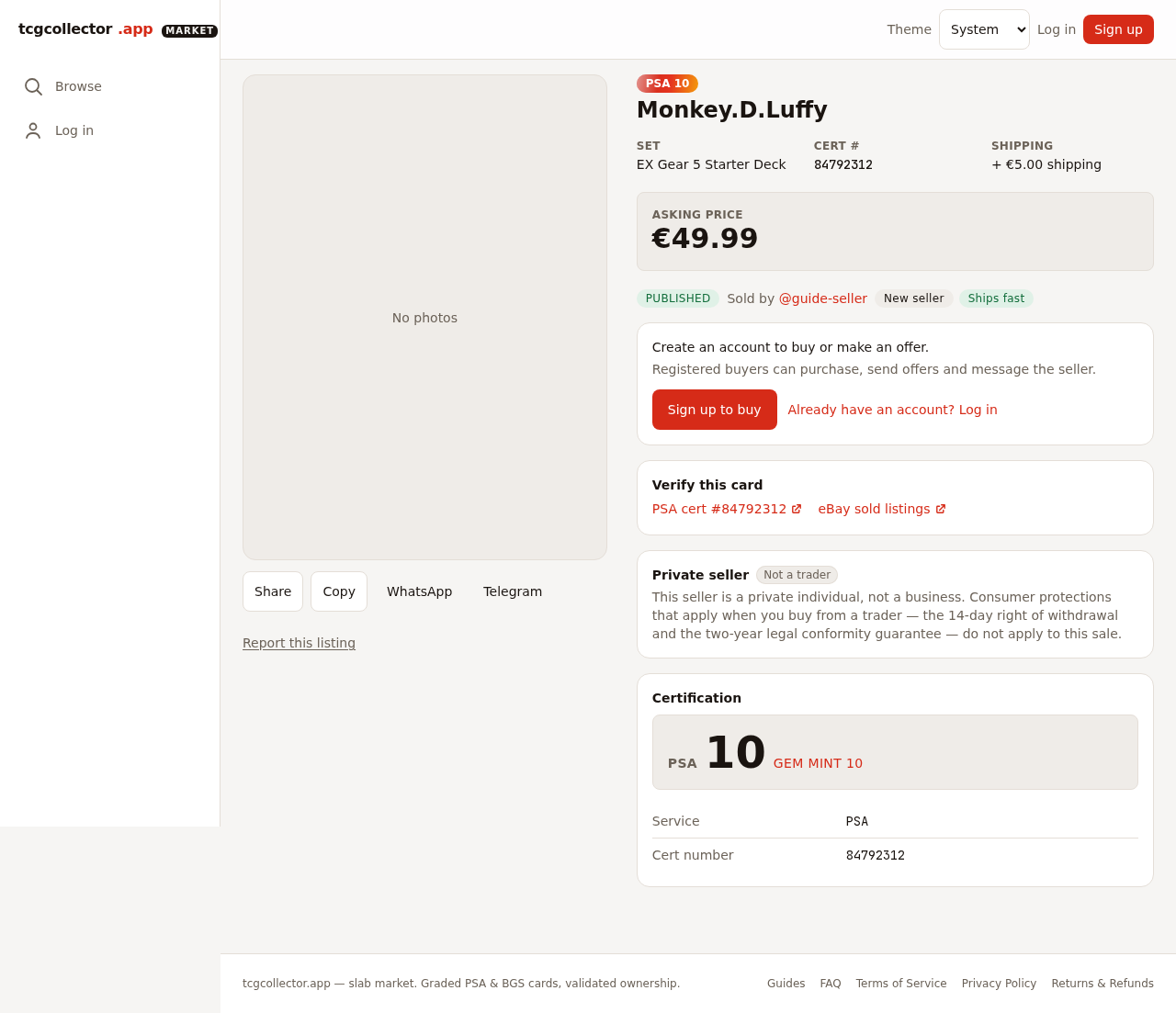
desktop · 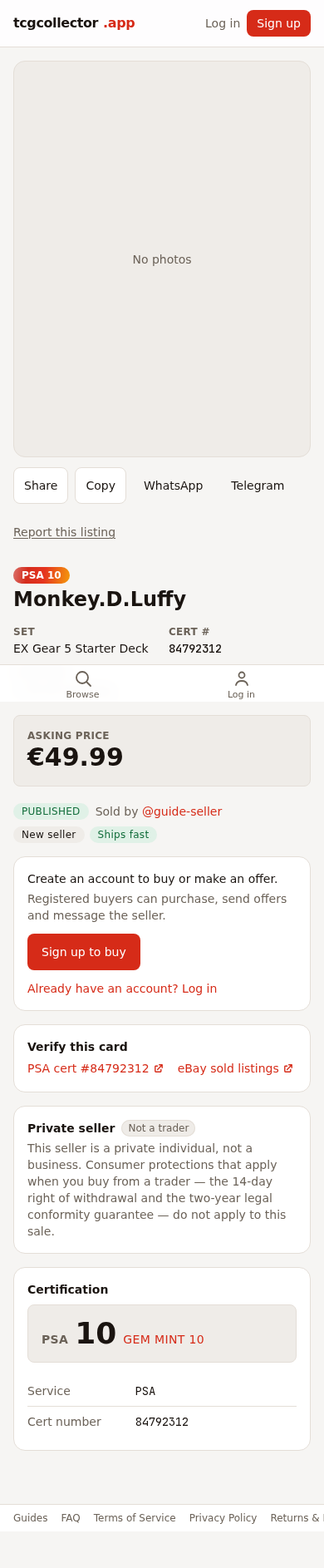
mobile · - 3
Buy — your payment is held in escrow
Checkout holds your payment securely. The seller only gets paid after you confirm receipt (or after the inspection window closes with no problem).
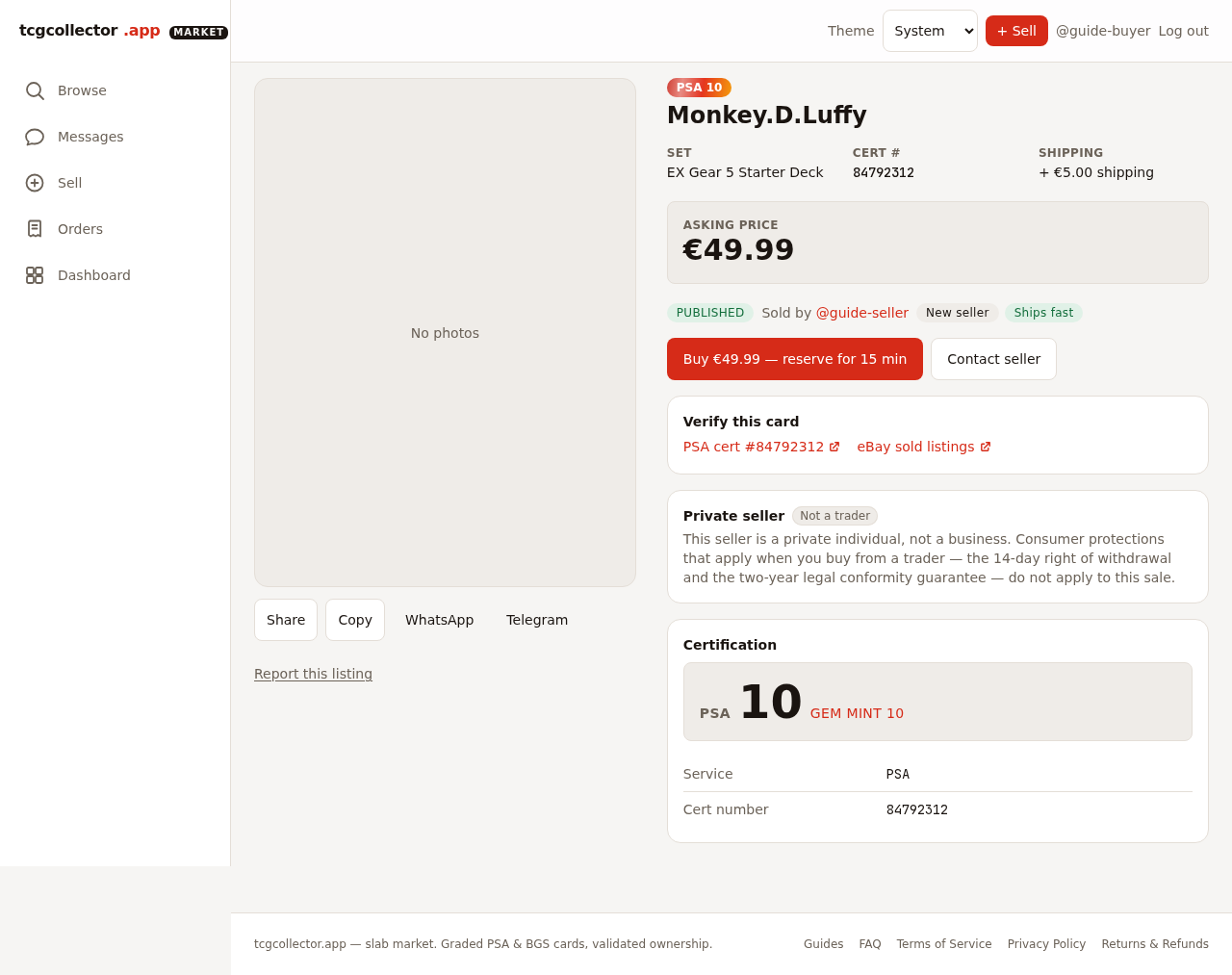
desktop · 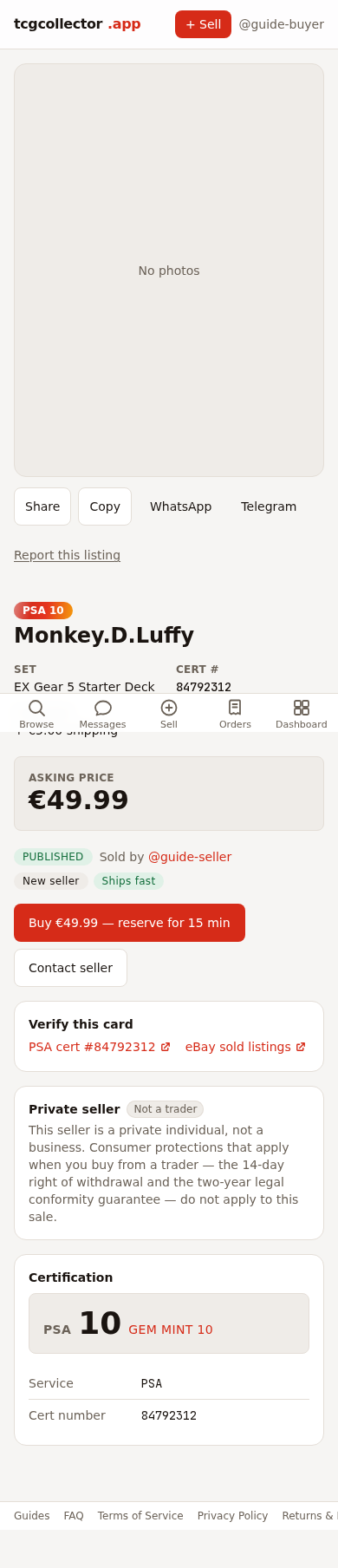
mobile · - 4
Mark the order delivered when it arrives
This starts your 48-hour inspection window. Take your time to check the slab against the listing before the window closes.
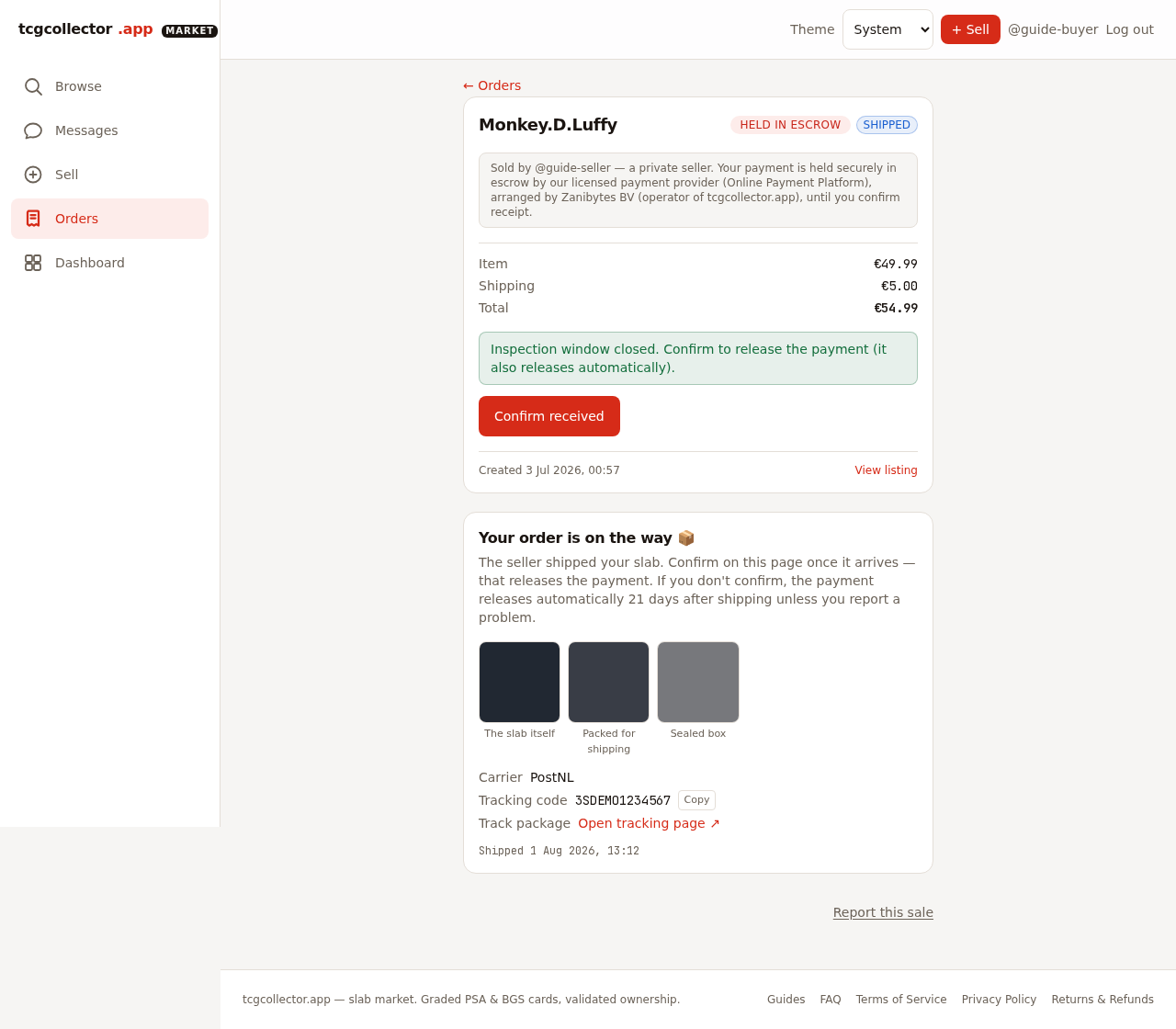
desktop · 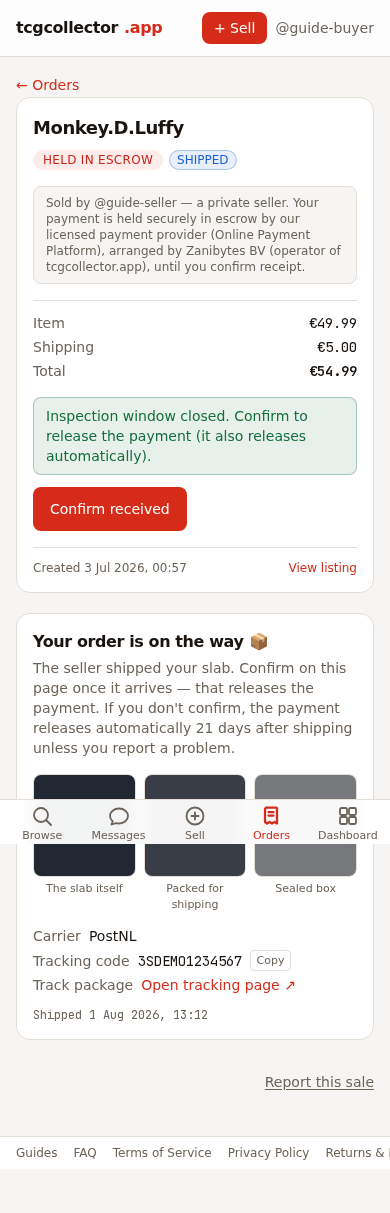
mobile · - 5
All good? Confirm. A problem? Open a claim
Confirm receipt to release the payment. If something's wrong, open a claim inside the window — support issues an RMA and you return the slab to the Inspection Hub (never to the seller). Track your return and see the verdict on the order page.
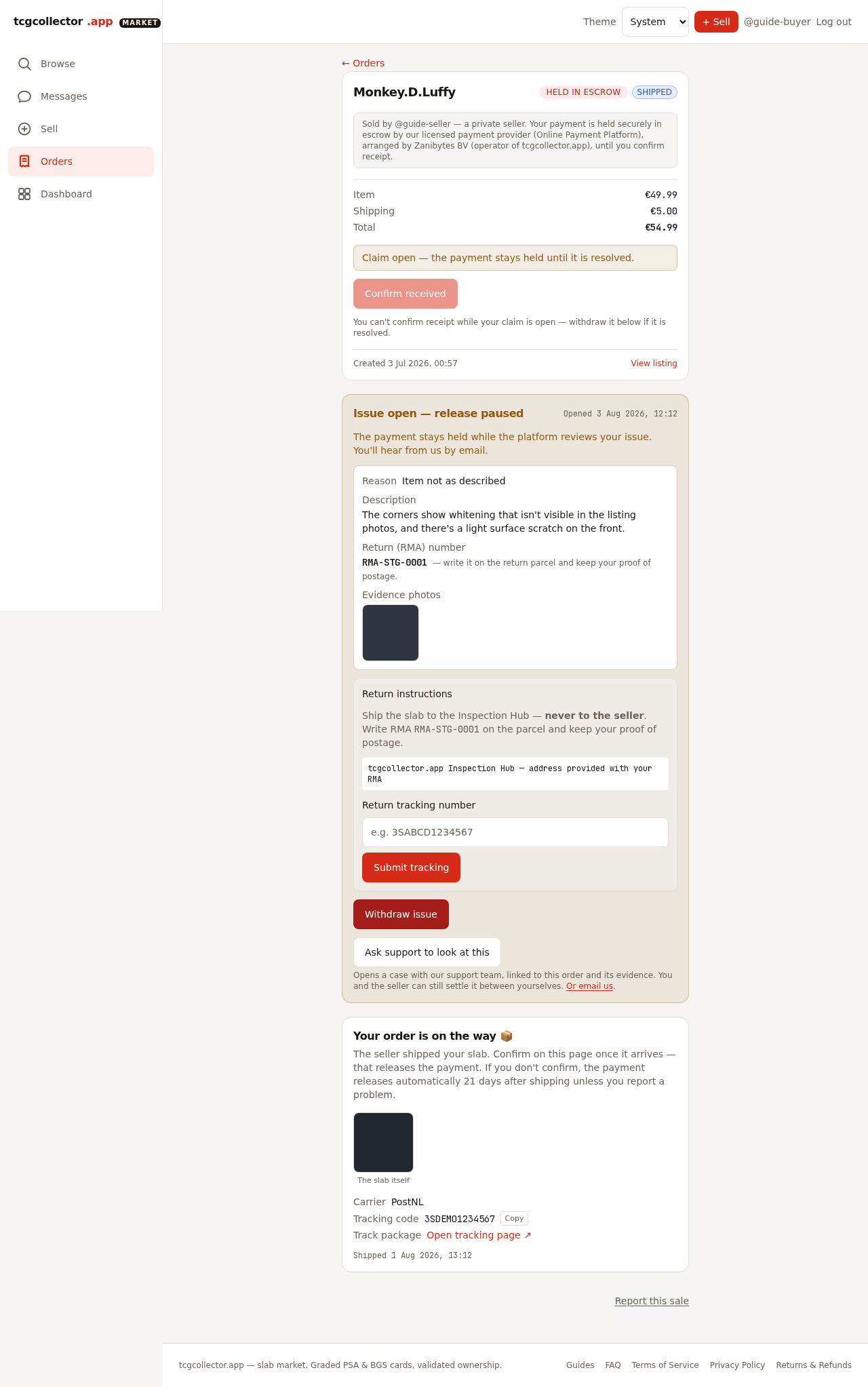
desktop · 
mobile ·
Questions? See the FAQ or start browsing.